
Navigate the Menu
The Benchmark Universe Menu lets you quickly access all the subscribed Benchmark Universe resources of your district.
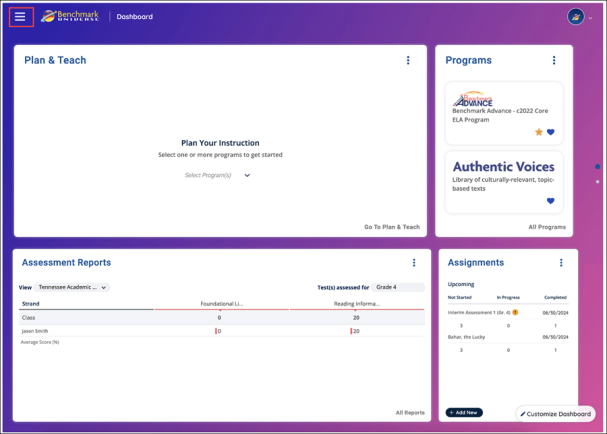
Access the Menu by using the Menu button.
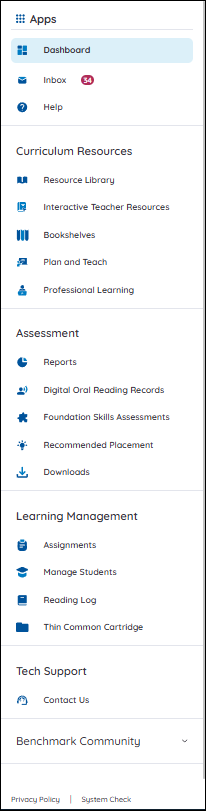
From the menu, you can access your Inbox, go to the Help site, or access your Curriculum and Assessment Resources. You can also access Learning Management, Benchmark Community pages, as well as the System Check and our Privacy Policy.
Contact Us
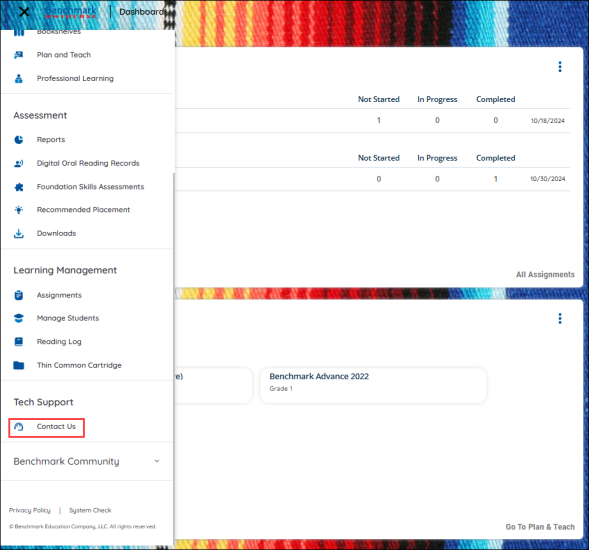
You access Tech Support by using the Contact Us button on the Menu.
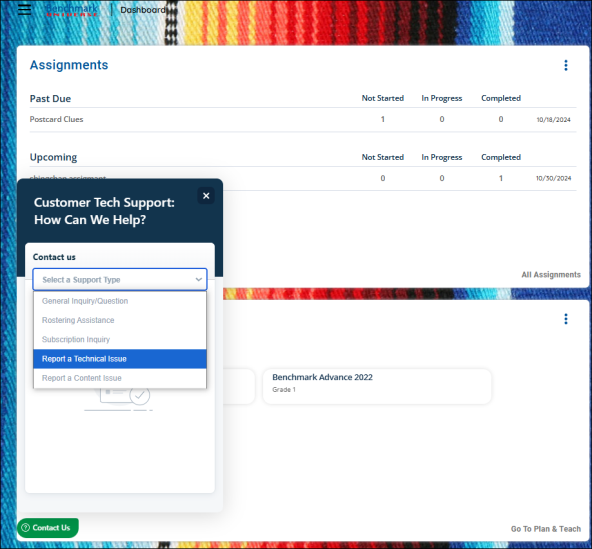
Select the green Contact Us button in the lower left hand corner to create a ticket for Tech Support.