
Navigate Plan & Teach
Plan & Teach offers users a way to navigate and view a number of teaching plans and their related standards. Get started with Plan & Teach by selecting a program.
Select a Program
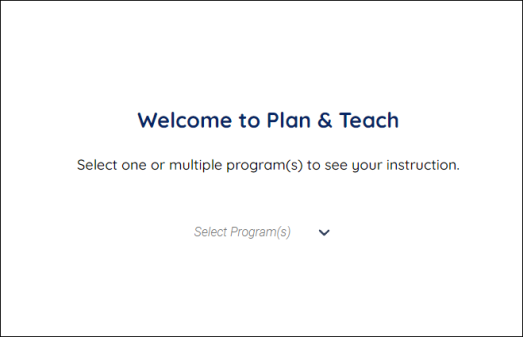
You can view a plans for various programs by following these steps:
Plan & Teach offers users a way to navigate and view a number of teaching plans and their related standards. Get started with Plan & Teach by selecting a program.
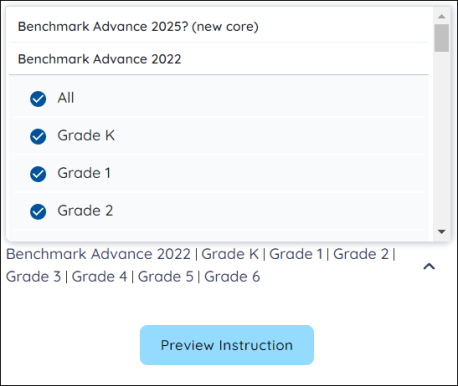
- Select a program using the Select Program(s) dropdown.
- Select a Benchmark Literacy program/grade level. You and select multiple programs/grade levels.
- Press the Preview Instruction button.

|
You can only select the Benchmark programs that your district/school has subscribed to. |
Navigate the Lesson View
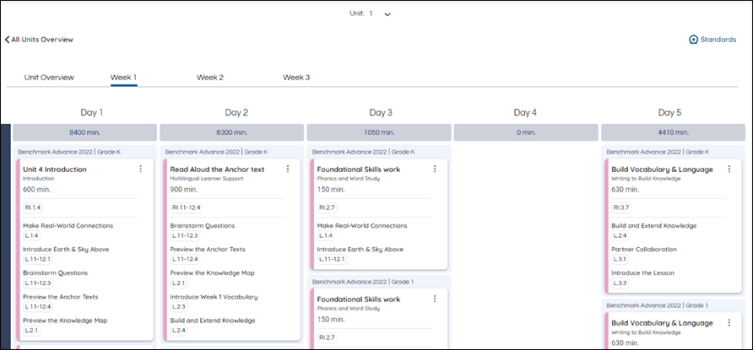
By selecting a week from the Lesson View, users can see a day-by-day breakdown of the lesson. They can see the time allotted to the lesson, the activities within, and the standards covered by the instruction.
Customize Lesson View
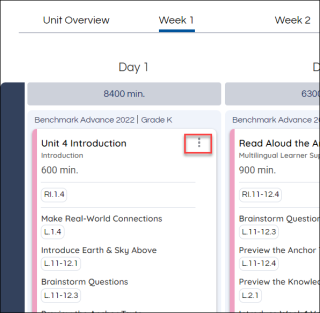
Use the More Options button to access the Customize Lesson View.
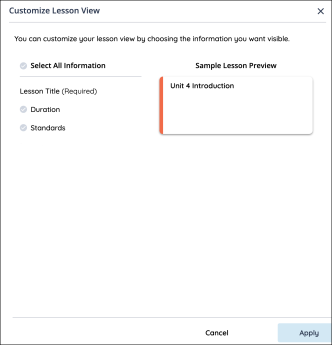
You can customize the lesson by hiding or displaying the information available. Use the Select All Information button to select and deselect the information displayed. You can also select and deselect the categories of the information displayed by using the buttons next to the information type. After you have selected the categories you would like to see displayed, press the Apply button.