Back-to-School 2026-27 Resources

Summer break is here, and now is the perfect time to get set up for a successful school year ahead! Explore teacher and administrator best practices, discover upcoming new features designed to improve your experience on Benchmark Universe, and get prepared for a smooth Back-to-School season. From tips and tricks to platform updates, this page is designed to help you start the year with confidence.

Looking for even more Back-to-School resources? Visit our Back-to-School resource hub for access to live webinar registrations, informative blogs, educational podcasts, and helpful articles created to support educators throughout the school year. Note: You’ll be redirected to www.benchmarkeducation.com.

Teacher Best Practices for a Successful School Year

Getting Started with Benchmark Universe

  • Be sure to log into Benchmark Universe before the first day of instruction and verify access to all assigned classes and resources.

  • Explore the Help site and know where to find support articles and troubleshooting resources.

Professional Learning

  • Complete available on-demand training modules before implementation begins. These can be found within the Resource Library under the How-To Videos: Benchmark Universe section.

  • Preview and sign-up for live webinars focused on classroom management, routines, and instructional best practices.

Classroom Setup and Instructional Planning

Using Digital Resources

  • Customize eBooks with annotations, highlights, sticky notes, bookmarks, and links to support instruction and absent students.

  • Organize frequently used resources into Bookshelves for faster access and planning ahead.

Assignments

Assessments and Reporting

Note: These points are only applicable to districts with eAssessment subscriptions.

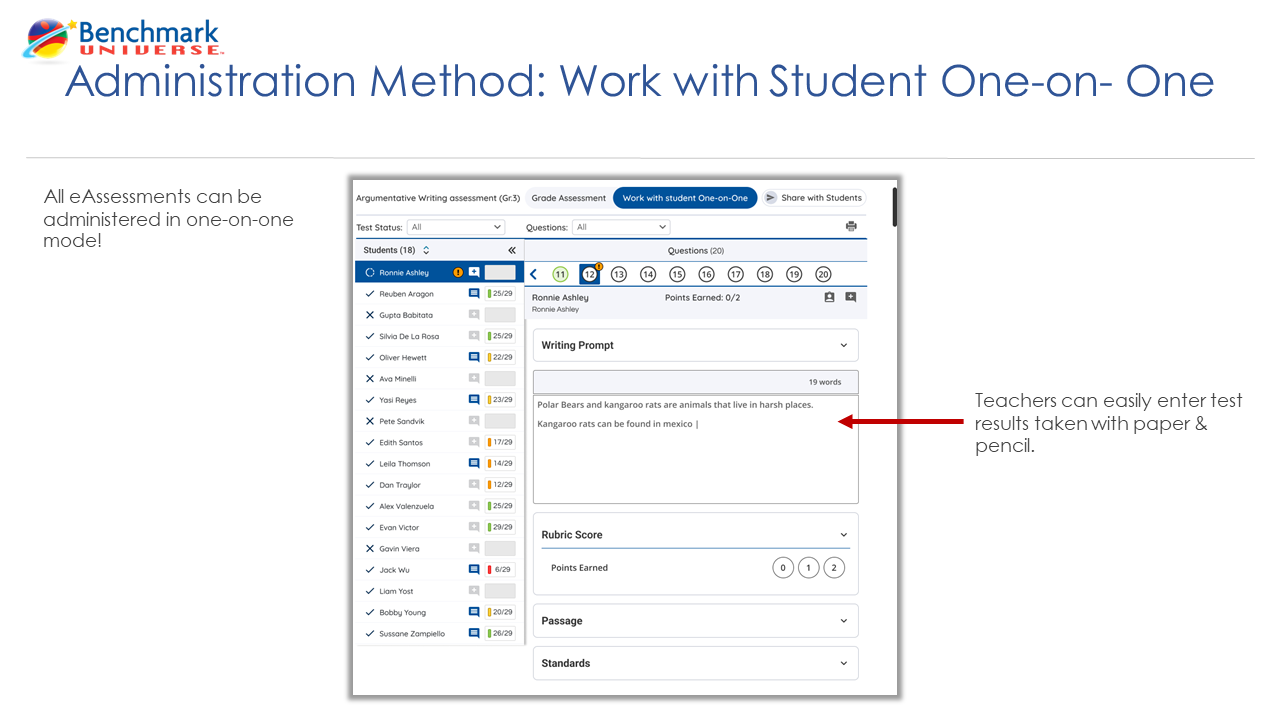
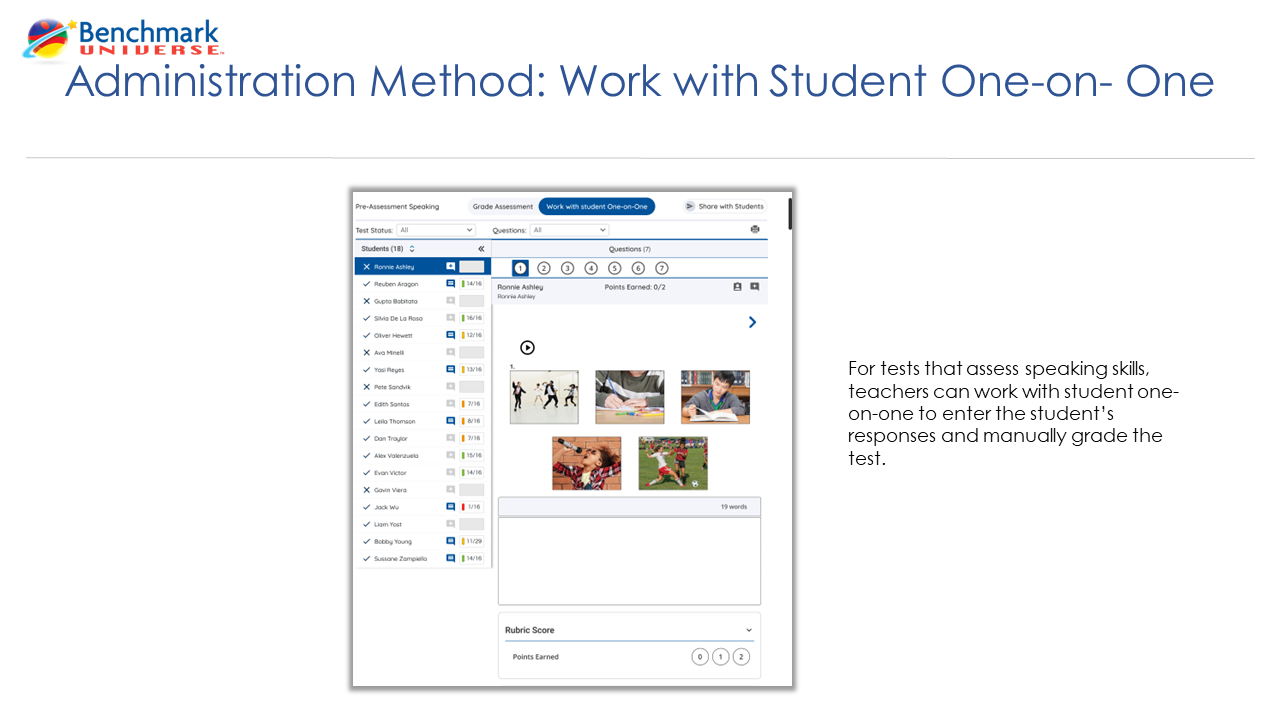
  • Teach students how to navigate eAssessments before administering a live assessment.

  • Remember that only eAssessment assignments generate reporting data.

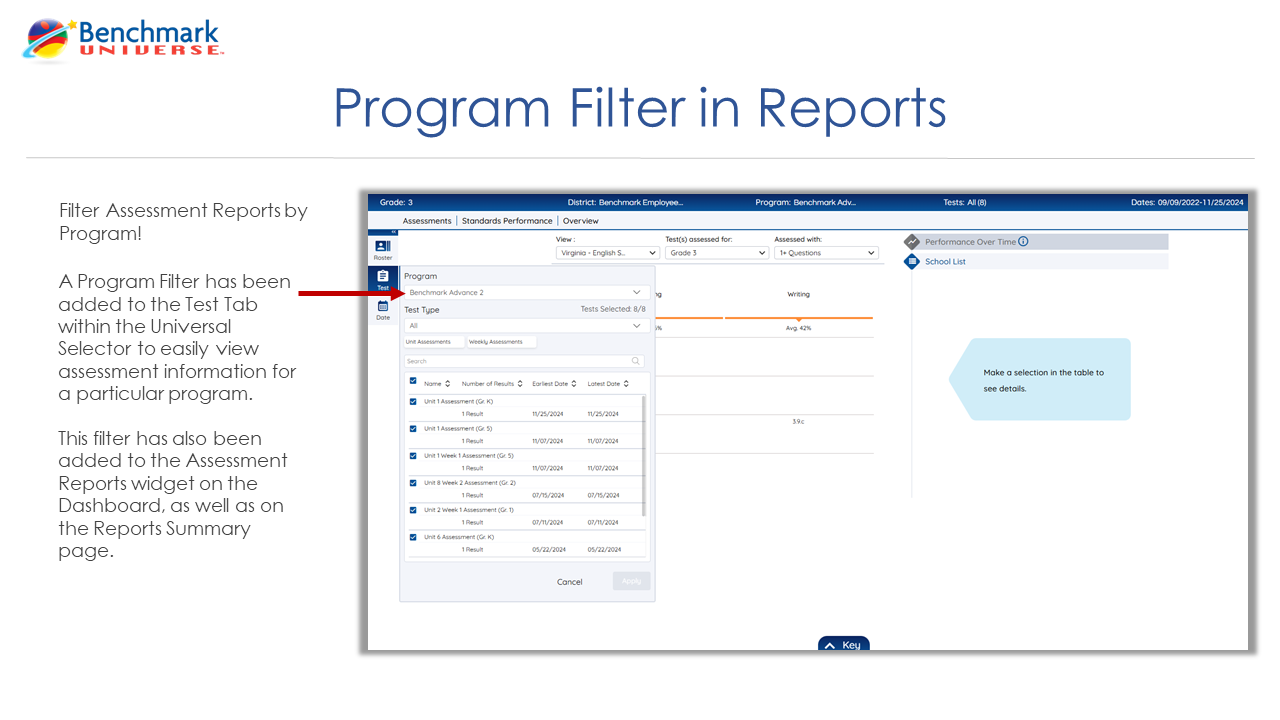
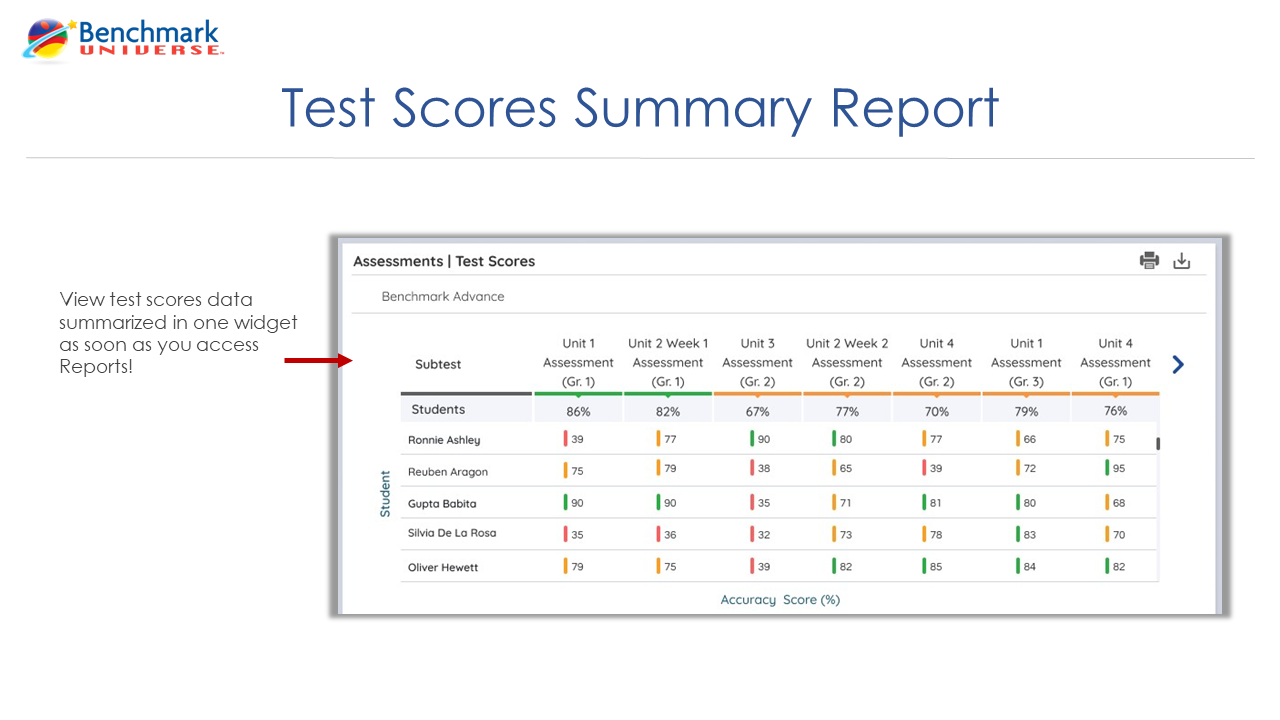
  • Visit the Reporting Suite regularly to monitor standards mastery and student growth.

  • Review Standards Overview reports to identify reteaching opportunities and instructional recommendations.

Administrator Best Practices for a Successful School Year

Staff Training & Support

  • Encourage teachers to complete on-demand training modules. These can be found within the Resource Library under the How-To Videos: Benchmark Universe section.

  • Promote attendance for live  webinars offered by Benchmark Education.

  • Share Help site resources and FAQs proactively with staff for quick troubleshooting.

Assessment and Reporting

Note: These points are only applicable to districts with eAssessment subscriptions.

  • Establish district procedures for eAssessment customization and reversion before students begin taking tests in the new school year.

  • Ensure teachers understand how eAssessments impact reporting and data visibility by training them on how to access student data as needed.

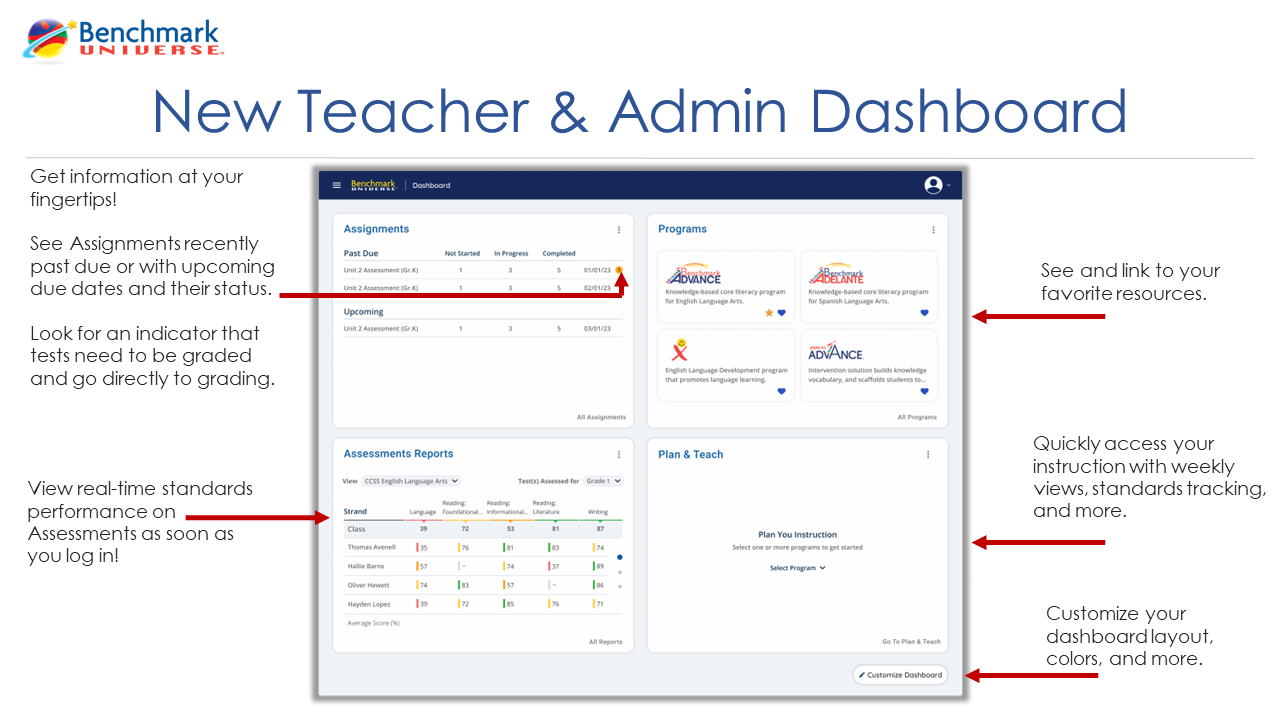
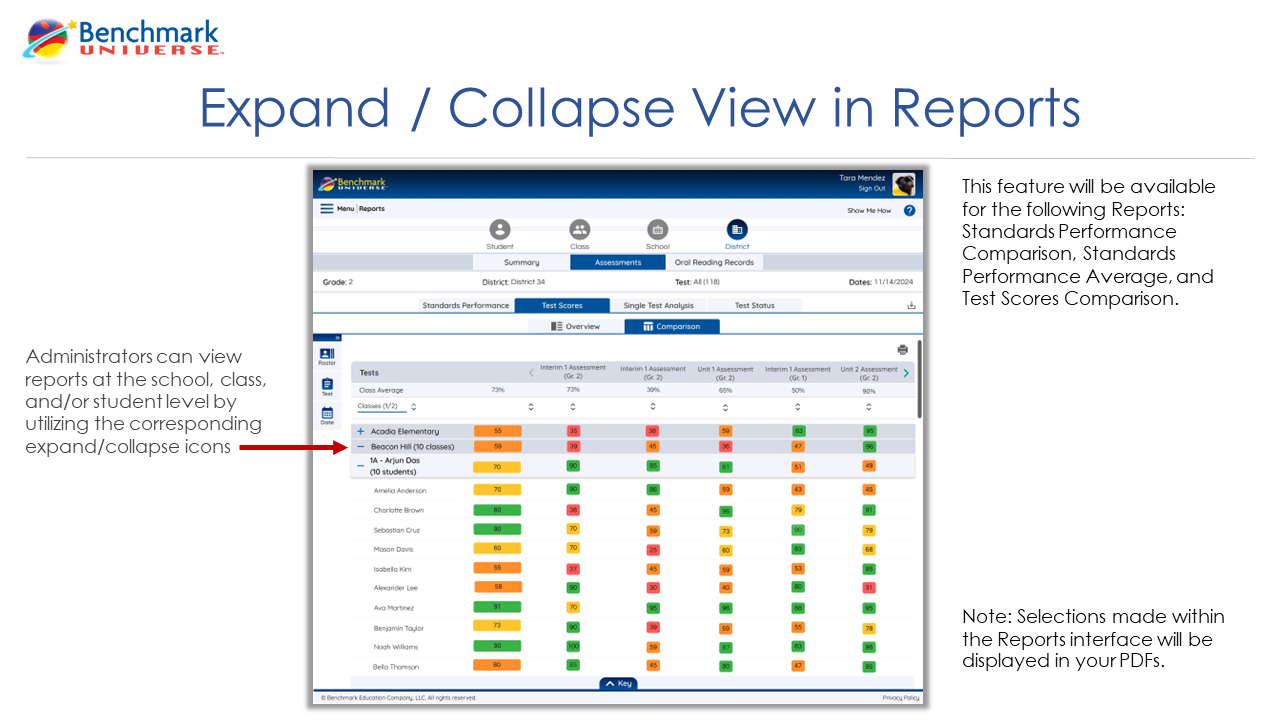
  • Review reporting dashboards regularly to monitor student growth and implementation trends.

Upcoming New Features

eAssessments

Dyslexia Font Option

  • OpenDyslexic font option will be available in Test Taker, to improve readability for students with dyslexia.


Image Upload Option
  • Our Text Editor will include an image upload option, allowing students to insert images directly into their written responses in Test Taker.


Library

New Look for Resource Thumbnails

  • The Resource Library has been updated! Hovering over a resource thumbnail now displays the following:

    • Resource Title

    • Add to Assignment

    • Add to Bookshelf

    • Access to more information about the selected resource

Ability to preview Assess360 tests from the Library
  • For those utilizing Assess360, Test Preview is now available!

  • A Subtest dropdown is available to quickly review various sections of an Assess360 test.


ePocket Chart

Enhanced Experience in ePocket Chart

  • ePocket Chart will be refreshed with an updated design and enhanced usability while maintaining compatibility with your existing activities and customizations. Enjoy greater flexibility with customizable card colors, adjustable work areas, customizable background colors and images, and an improved work view experience to create engaging classroom activities with ease